Implementation
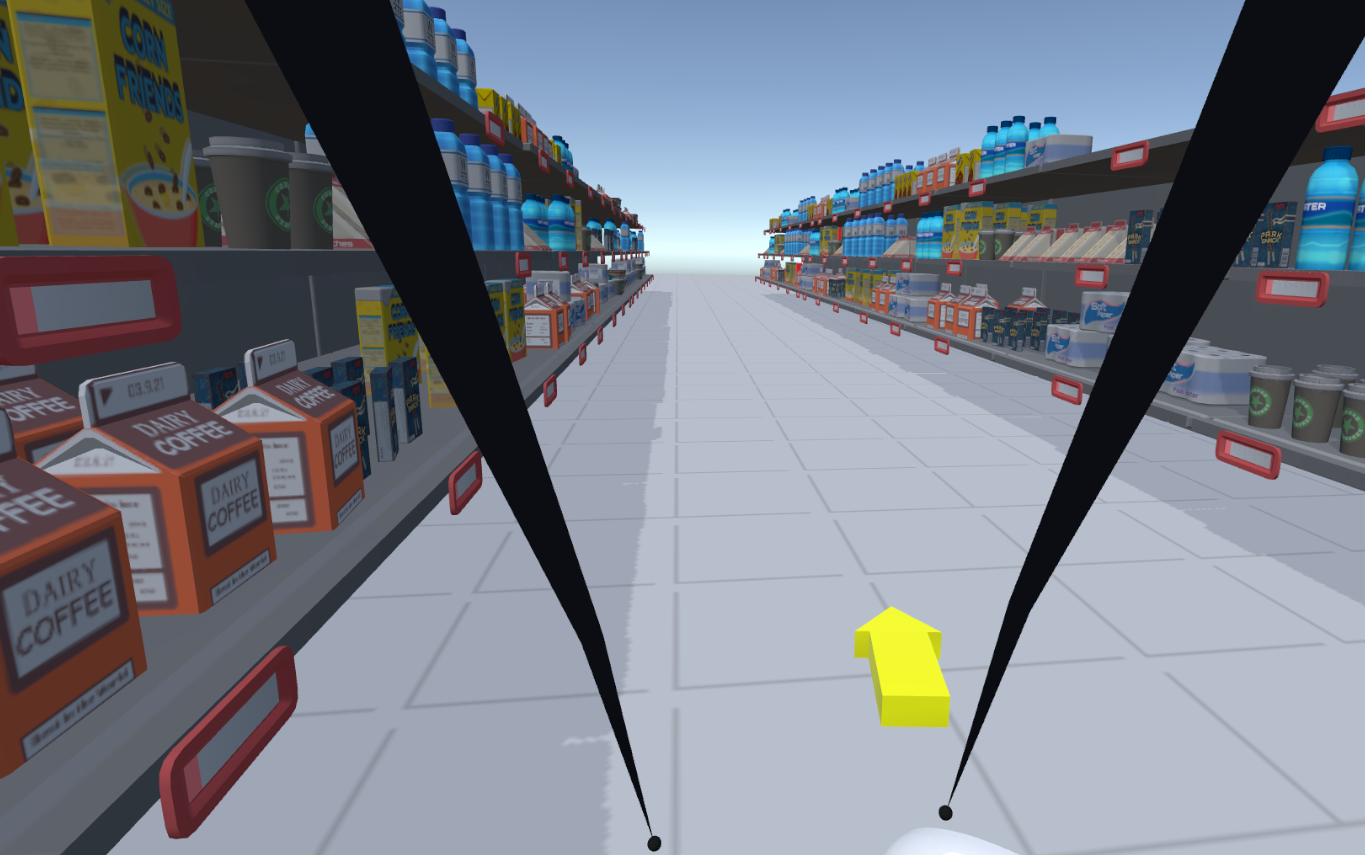
The concept
I implemented what I explained in the Elevator Pitch and added a few things that I will explain in more details.
Implementation
Selection
For the Selection, I took a ray from the player to the controller and multiplied it to have the virtual hand position. To select an object, you press the index trigger.
I had to make two choices:
- Where on the player would be the origin ?
I tried several approaches and found out that the neck was the most intuitive, as when you move you arm parallel to the ground, your virtual arm is parallel to the ground.
- How many times will I multiply the arm length ?
At first I felt like 3 times would be realistic, but it turns out that the SuperMarket assets are really big and therefore, I needed to make it at least 15 times to have something usable. I modified this value a few times with the rest of the implementation and had a coefficient of 20 in the end.
Improvement
I had an issue with this box:
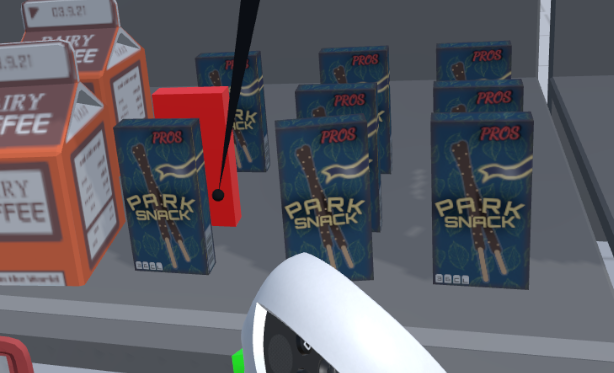
On the first tests of this method, i realised this box was really hard to select beacause it is really thin and your virtual hand moves to fast. Therefore, I added a new fonctionnality: When you press the palm of your hand, you move your virtual hand more slowly, allowing for much more precision.
This is how I implemented it:
HandPosLeft = (HandPosLeft - PrecisePositionLeft) / coef + PrecisePositionLeft;
Where HandPosLeft is the position of the virtual hand as described earlier, PrecisePositionLeft is the anchored position and coef is the coefficient of the extension of the virtual arm.
But when I released the trigger, the virtual arm will teleport to the position it is supposed to be in. This was breaking the immersion, so instead, I added a smoothing function:
HandPosLeft = previousPos + smoothCoef * (HandPosLeft - previousPos);
This allows to reach the correct position quickly but be more fluid with a smoothCoef of 0.2.
Movement

I first need to detect when the virtual hand is underground so I can place the player in the movement mode. This is done with this piece of code:
if (playerOnGround && HandPosRight.y < 0)
{
  OnGroundRight = true;
  playerOnGround = false;
  rightPos = new Vector3(HandPosRight.x, 0.0f, HandPosRight.z);
}
Note that I will only do this if the player is on the ground, because otherwise, I need the player to move around the anchored hand.
Then, this is how I move the player:
if (OnGroundRight)
{
  CameraRig.transform.position -= (HandPosRight - rightPos);
}
To detect if the player is on the ground, I compare is current y position to the y position he had when the app began.
if (! playerOnGround && CameraRig.transform.position.y < baseY)
{
    CameraRig.transform.position = new Vector3(CameraRig.transform.position.x, baseY, CameraRig.transform.position.z);
    OnGroundRight = false;
    playerOnGround = true;
}
Improvement
This transition was really long:
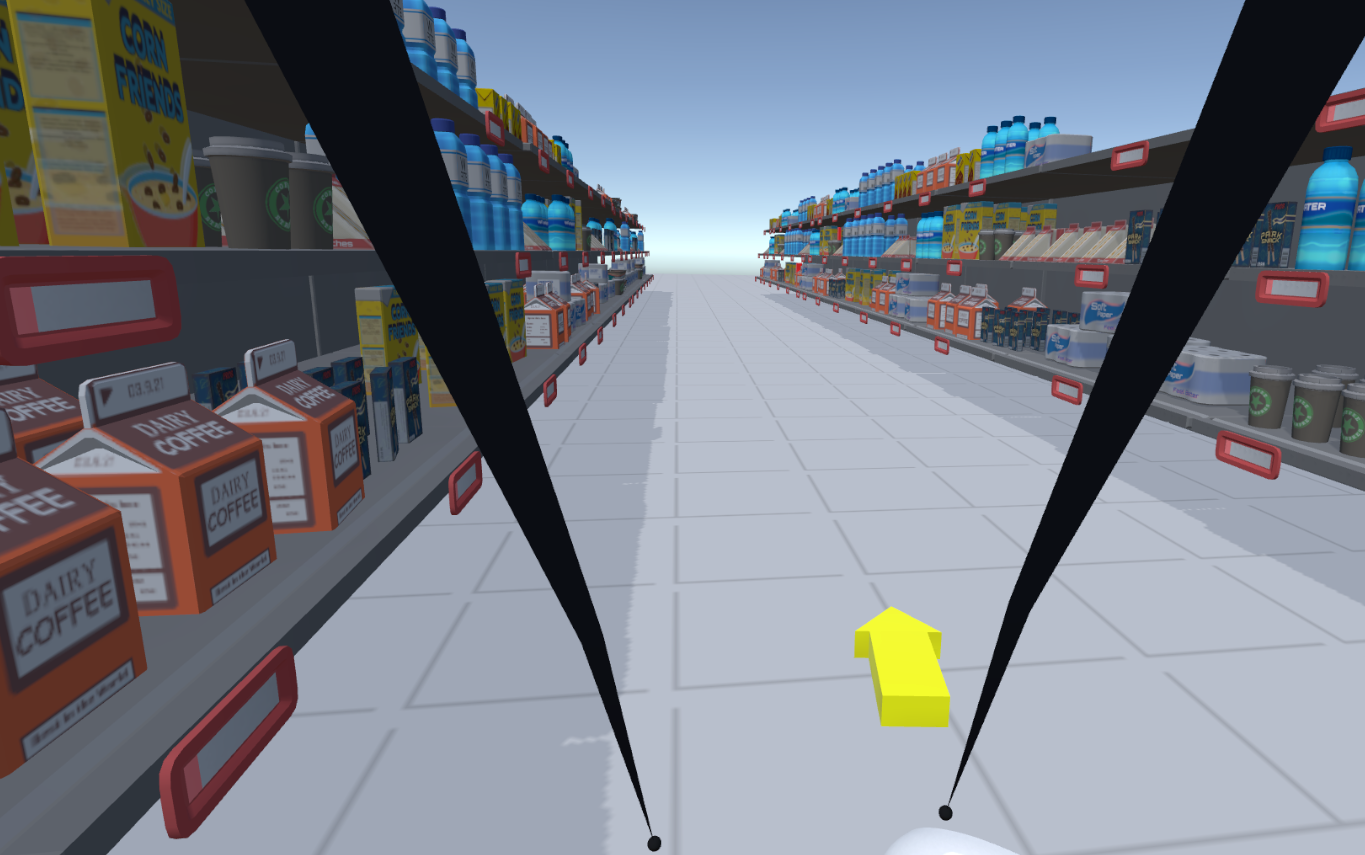
So i added a simple feature to extend the arms length by a factor 2 when you press a button.
Both Hands
I wanted to have both hands able to do the same tasks, but juste adding the same code to the left hand added some complications: when the right hand is anchored and the left hand goes underground, the code would have both hands anchored and would create strange behaviours because it would try to move the player in two different directions at the same time.
To fix this issue, I created three different states:
- Right Hand anchored
- Left Hand anchored
- No Hand anchored
These three states are exclusive, therefore when the left hand goes underground, the right hand is released and there is no strange behaviours anymore.
Evaluation
I had two friends come over to test my implementation. User 0 is me, User 1 is a friend that never really played a video game and User 2 is a friend that already played some games in VR.
I asked them to rank from 0 to 10:
- How easy was it to learn and use the commands ?
- Did you felt present on the virtual environment ?
- How much fun did you have ?
| User | Time | Errors | Easy | Presence | Fun | |
|---|---|---|---|---|---|---|
| 0 | 88s | 4 | 7 | 8 | 9 | |
| 1 | 131s | 3 | 9 | 7 | 10 | |
| 0 | 120s | 7 | 7 | 8 | 10 |
Comments
I realised several things while they were playing:
- They did not use at all the precision feature, they always prefered to usse both hands: one to move themselves loosely to the object and the other one to make precision movements and select it.
- They always had one arm on the ground, they almost never touched the ground and when they had to, they were slower and less precise.
- Each time they had to move, they would extend the arms just for how funny the movement is, even if it would take longer and lead to less precision.
- The movement create a lot of motion sickness, which makes it almost unusable for more than 5 minutes…
Results
Here is the GitHub link.
Here is a video of the result: