Roll a Ball VR
Configuration
Switching to PC
I am usually working on a MacBook Air, so I followed the instruction of the TD up to the point where I had to download the Oculus application, which do not exist for MacOS…
So I had to redo all of the configuration on my fix PC which I did not use for a while, installing Unity, visual studio, etc. Fortunatelly, I just had to follow the same steps as for my Mac installation and it was quick enough as I already knew how to do it.
I also reinstalled Hugo on my PC to make to be easier to make the blog from here. I actually had an issue to connect to the git server beacause I was logged to another old git account on my PC. If you ever find yourself in the same situation, you need to go to know that windows is handling the credentials, therefore you need to go to control panel > user accounts > credential manager > Windows credentials > Generic credentials and change the git user from here…
Using the Quest
Installing everything on the quest was straightforward, I just followed the instructions from the TD. Just note that the Oculus integration is now obsolete, but I decided to stick with it anyway, which proved to work. I then connected the Quest to my PC with the Oculus app, and I managed to make a basic scene rendered in the headset, but as soon as I quit play mode, the headset made a blackscreen and it was impossible to make it work again…
Therefore, I decided to buy a Quest 2, that I wanted to buy anyway, and I connected it via AirLink, which worked really well.
Roll a ball asset
I actually had to create a package from my mac and wetransfer it to my PC so I could use it. I then just had to import it.
Making it VR
To make it work in VR, I had to change the behaviour of the scene. The main idea is to attach a script to the hands anchors that will handle the button press. If the handle collides with the roll a ball obect and the user press the button, we attach their positions together.
In order to make this work, I had to introduce new colliders and to make two different layers that do not interact with one another so that the handle does not impact the game, just the rotation and the gravity.
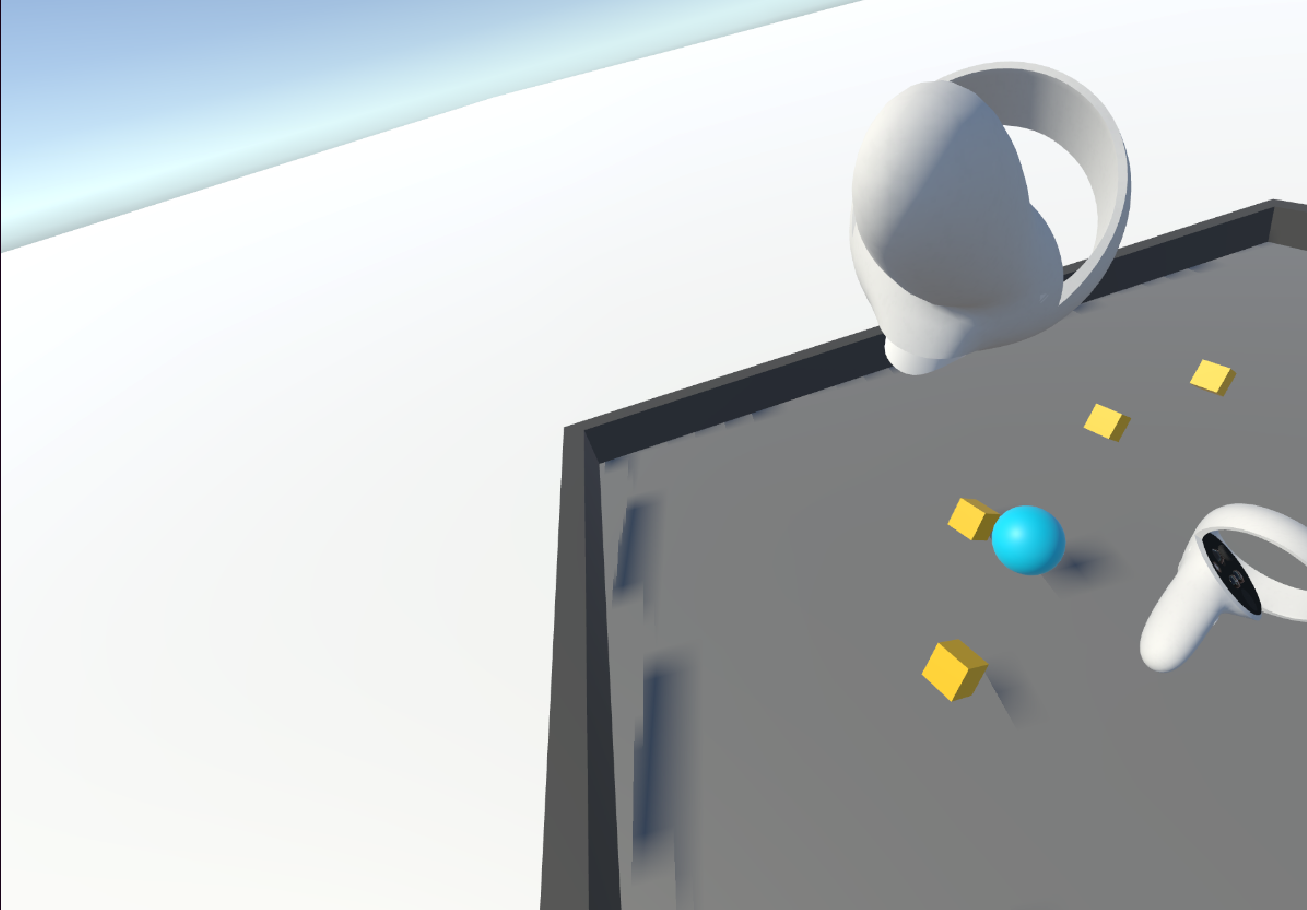 It was hard to take a screenshot while being in VR, sorry for the bad quality